
Muslim App is a cross-platform Flutter app (Android, iOS, plus desktop/web build targets) that bundles the daily-practice essentials for Muslim users into one offline-first place: the full Quran, a Hadith collection, morning/evening and situational Azkar, a digital Sebha counter, a Zakat calculator, and live Quran radio streams. The Quran (114 surah text files) and Hadith corpus ship inside the app bundle, so everything except radio works with no network connection. The entire UI is fully bilingual Arabic/English with light and dark themes, and the user's language and theme choices persist across launches.
What the app does
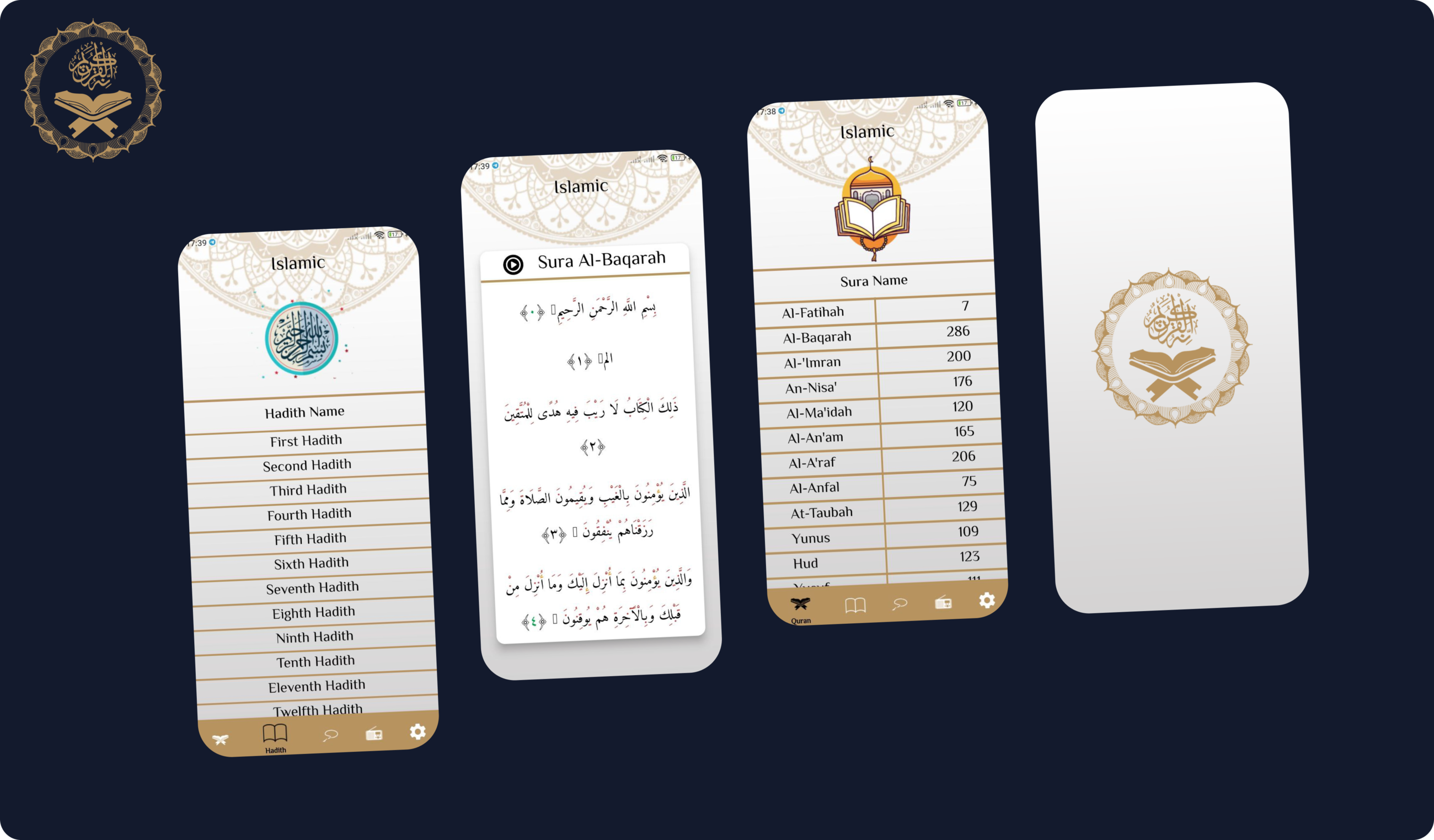
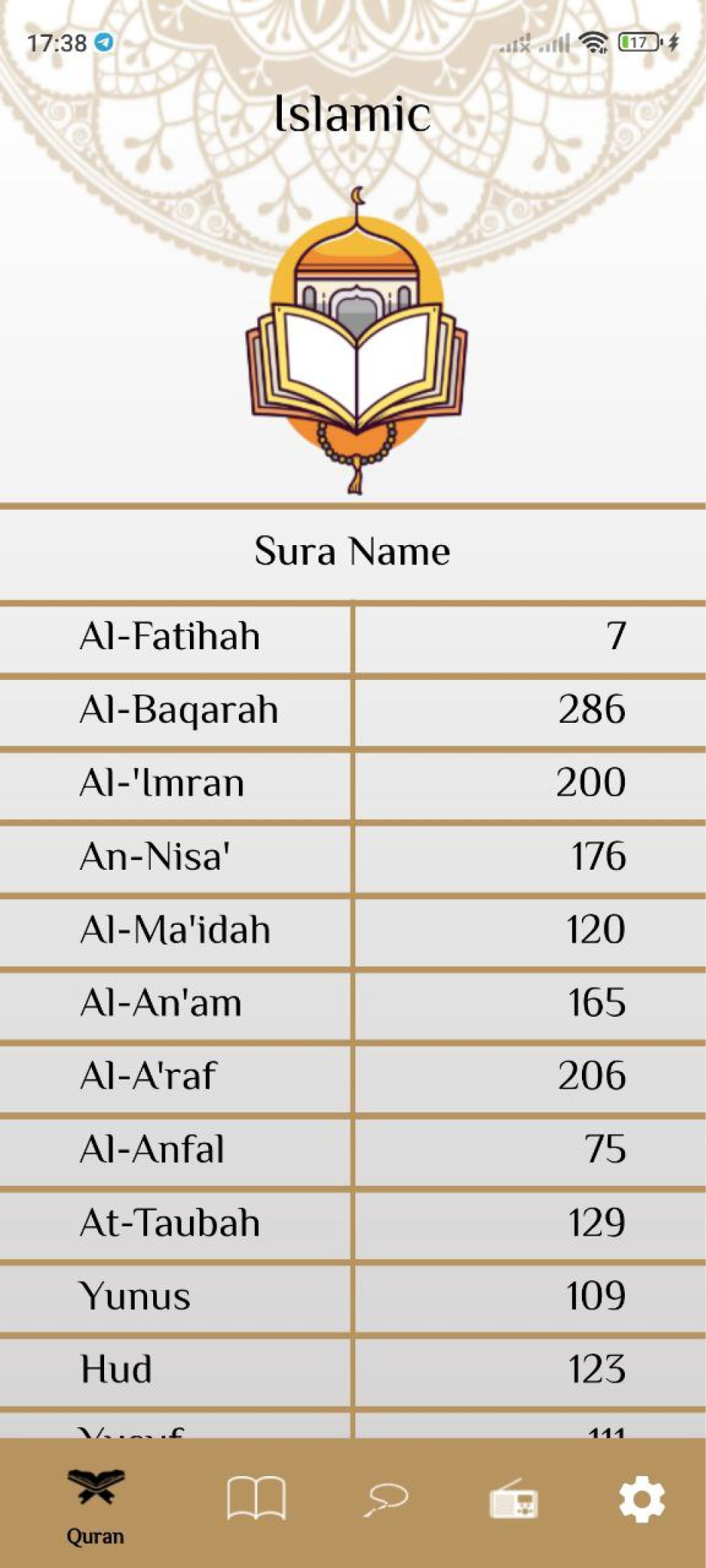
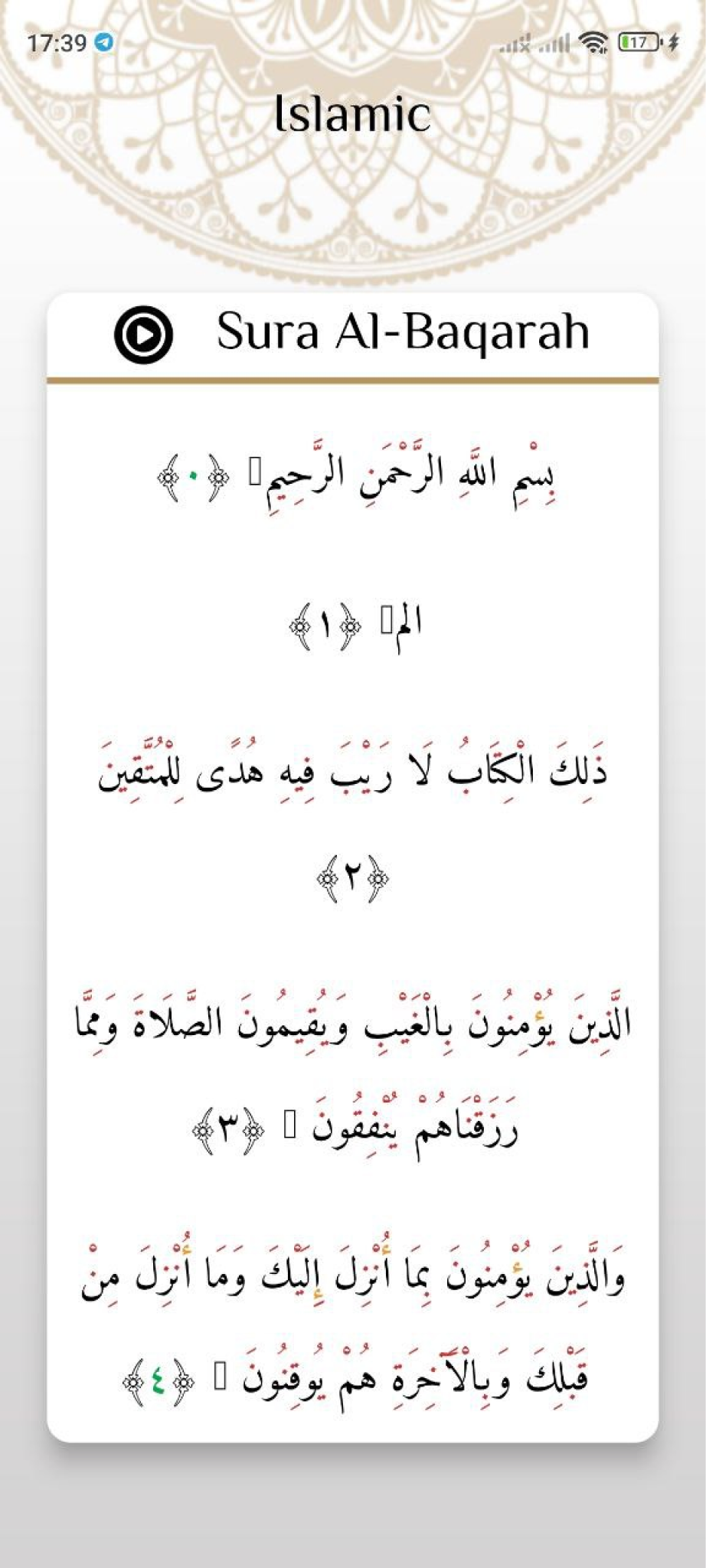
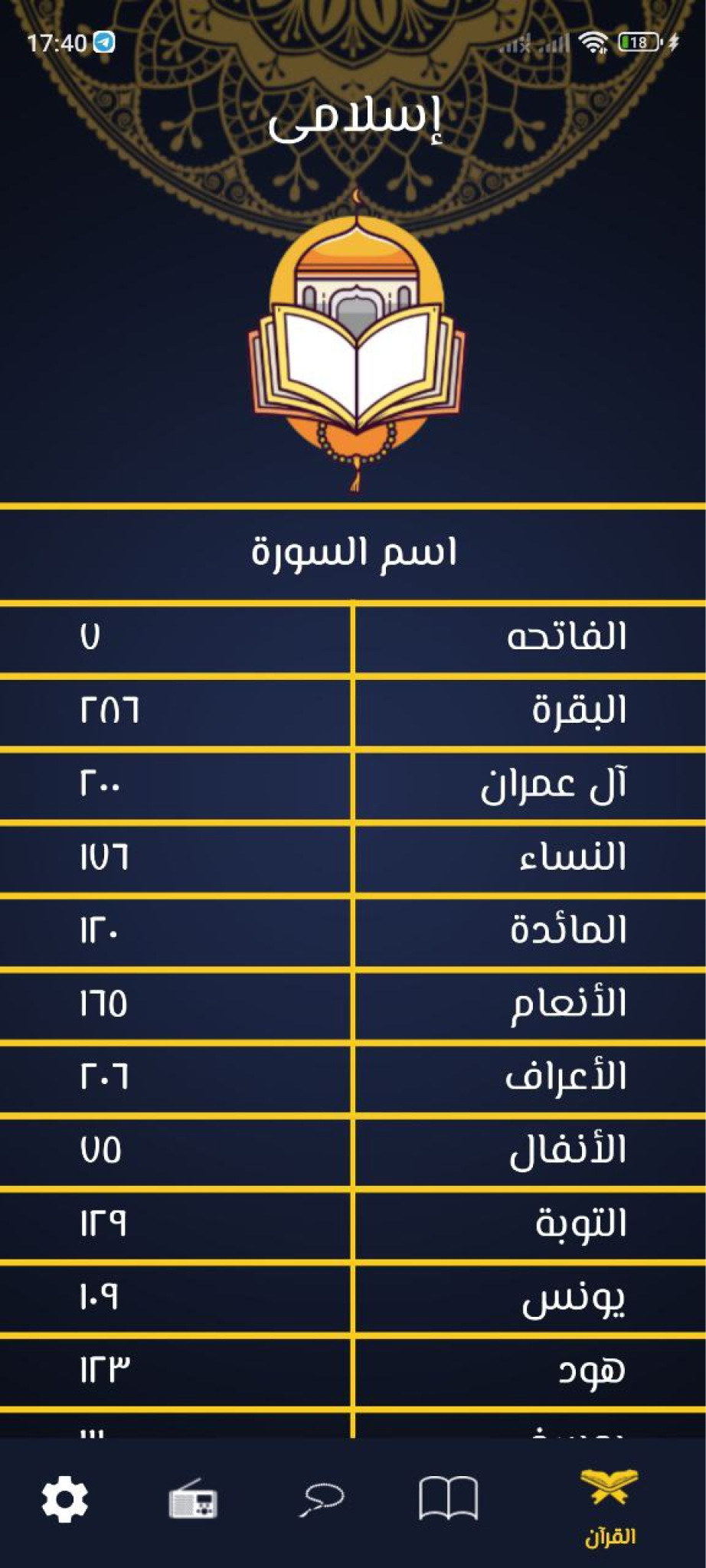
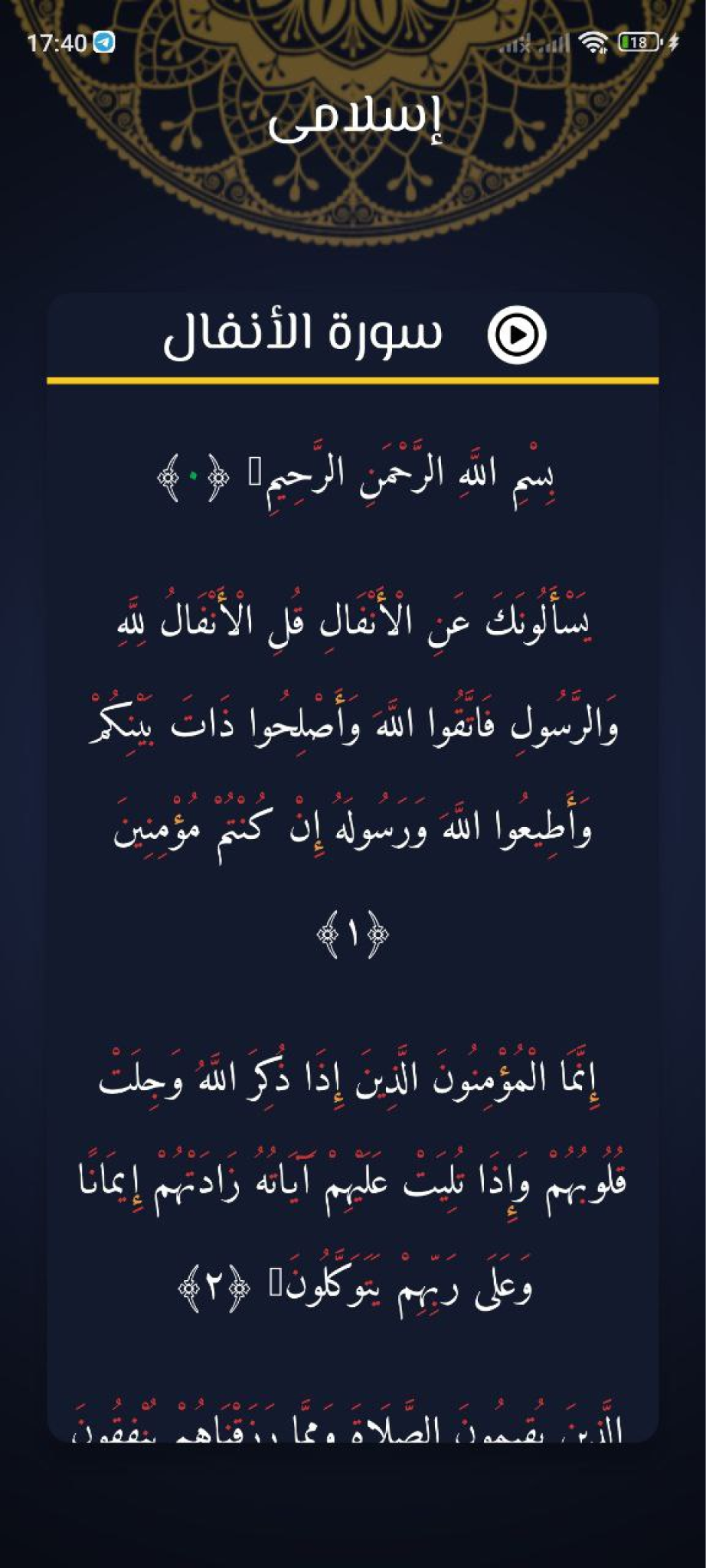
All 114 surahs read from bundled asset files and rendered verse-by-verse in RTL with authentic Arabic-numeral verse-end ornaments.
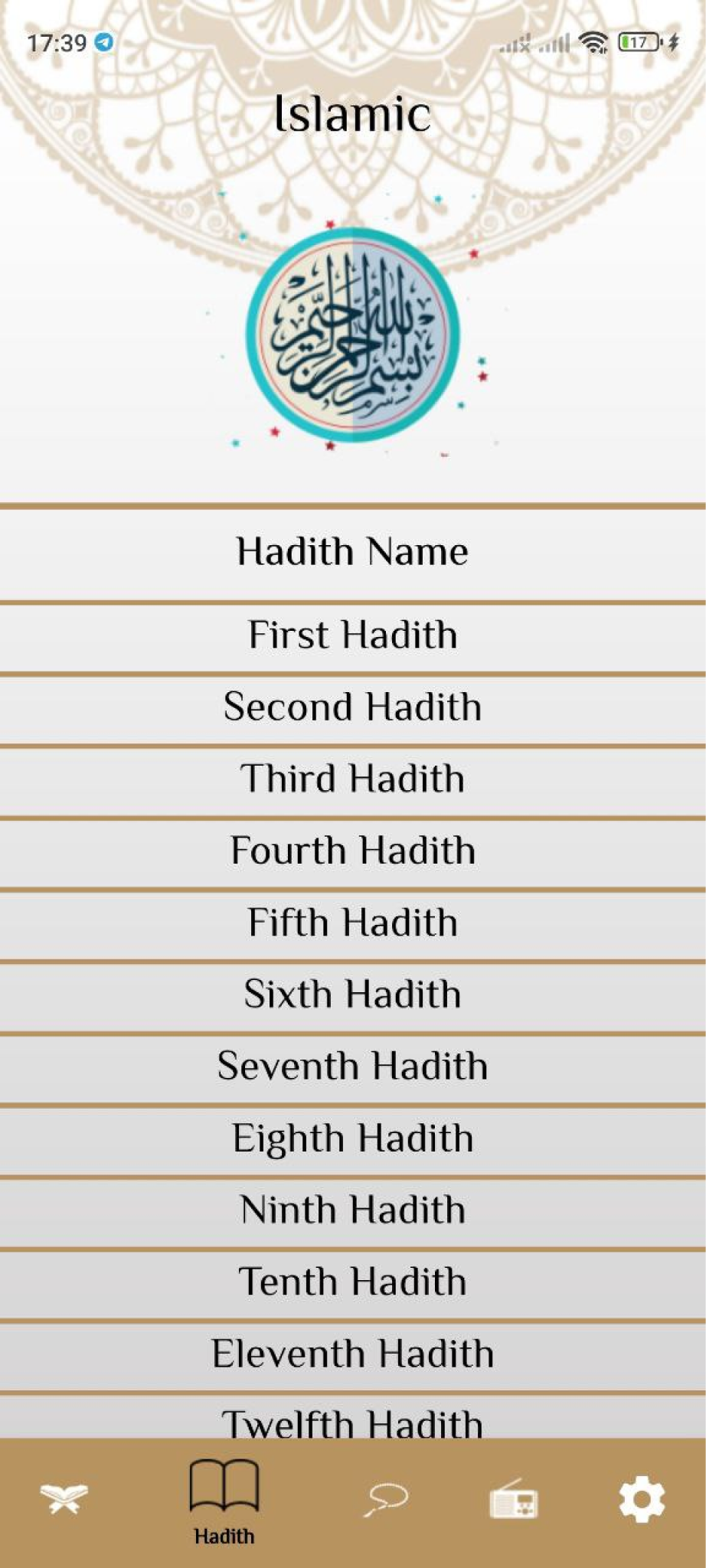
A bundled Hadith corpus parsed at runtime from language-specific text files, switching between the Arabic and English source based on the active locale.
Curated sets of morning, evening, waking, sleeping, after-prayer azkar and duaa, browsable from the home screen as illustrated cards.
An animated rotating tasbih counter that cycles through the six standard post-prayer azkar as the count advances.
A live 2.5% zakat calculation that updates in real time as the user types the amount.
Streams reciter radio stations fetched from the mp3quran.net API, with play/pause and next/previous station controls.
Complete bilingual UI with a custom Arabic font and correct RTL text direction throughout.
Light/dark theming and locale selection saved to SharedPreferences so they survive app restarts.
Firebase Remote Config compares the latest published version against the installed one and prompts users to update.
A custom clamped font-scaling helper keeps typography and spacing readable across phone, tablet, and desktop widths.
How it's built
A layered, feature-folder Flutter app using Provider (ChangeNotifier) as the single state management solution — no Bloc/Cubit anywhere in the project. main.dart handles bootstrap only (Firebase init, sizing, Dio client init, package info lookup) and wraps the app in a single ChangeNotifierProvider that exposes a SettingsProvider owning theme mode, locale, and radio player state.
Code is organized as core (Dio helper, constants, launch-url helper), model (plain data models for Quran, Hadith, Sura and Radio), screens (one folder per feature: home, layout, quran, hadith, sebha, radio, settings), and shared (theme, reusable widgets, asset paths, the provider). Navigation is a named-route table on MaterialApp with a bottom-navigation shell as the initial route.
See it in action


Real engineering challenges
Arabic and English strings rendered at very different sizes across devices, and OS-level font scaling pushed text out of cards entirely. The fix pins the app's text scaling to a fixed value so system font settings can't distort the layout, plus a responsive font-size helper that adapts to screen width but clamps the result to ±20% of the design size, so text never overflows. Every screen was migrated to that helper.
An attempt to auto-detect the device locale and follow the system theme was rolled back two days later: it silently overrode the language and theme the user had explicitly chosen and saved. The app went back to being driven entirely by the user's stored preference. The same pass fixed RTL rendering in the Zakat screen, where Arabic text and the numeric input needed explicit right-to-left direction handling to align correctly.
To stop users sitting on stale builds, the app checks a remotely published version number against the installed one — comparing version segments individually rather than as plain strings, so 1.2.10 correctly compares above 1.2.9. The whole check is wrapped so a failed fetch can never block startup, and the update prompt notifies users to download the update.
The macOS release build ships sandboxed, which blocked outbound network calls that worked fine in debug. The release entitlements needed explicit network-client permissions added for the app to reach the radio API in a signed release build.