
SportyMate
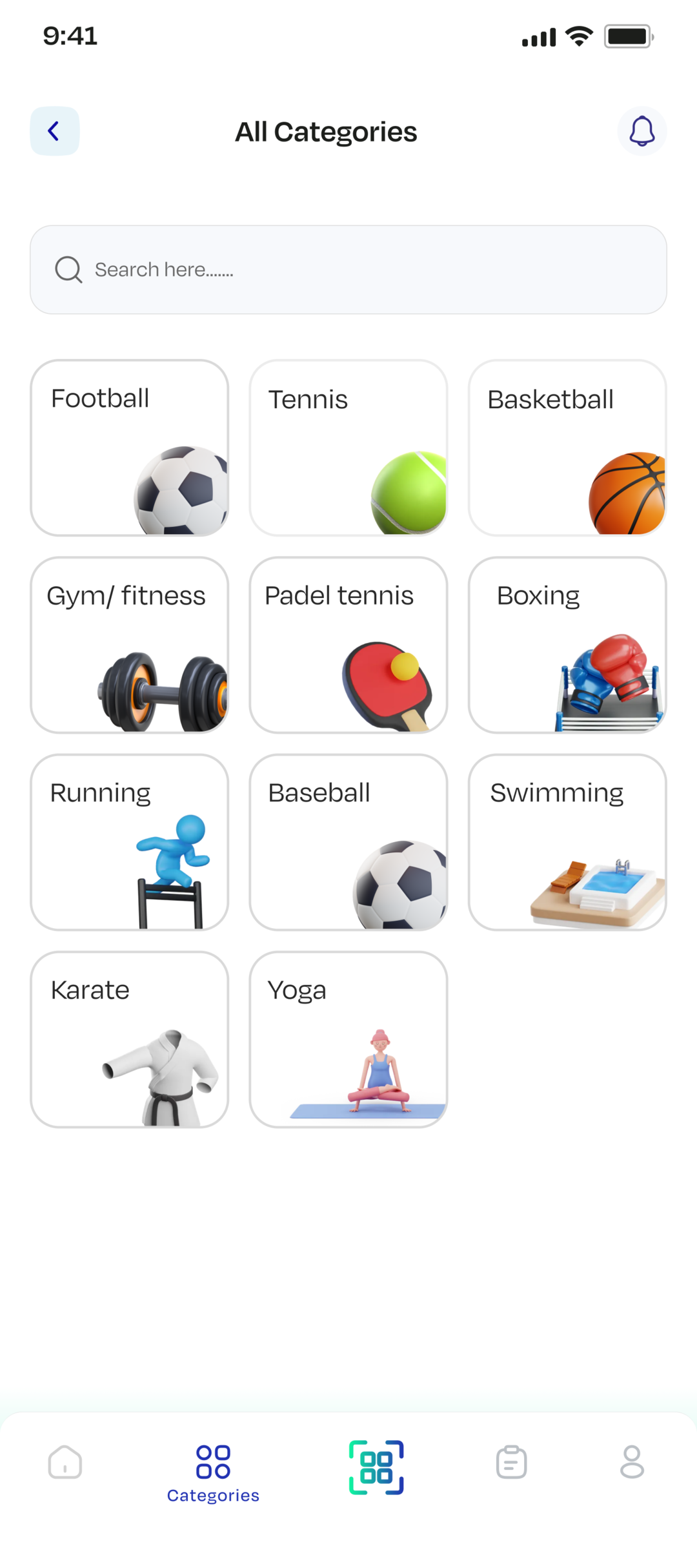
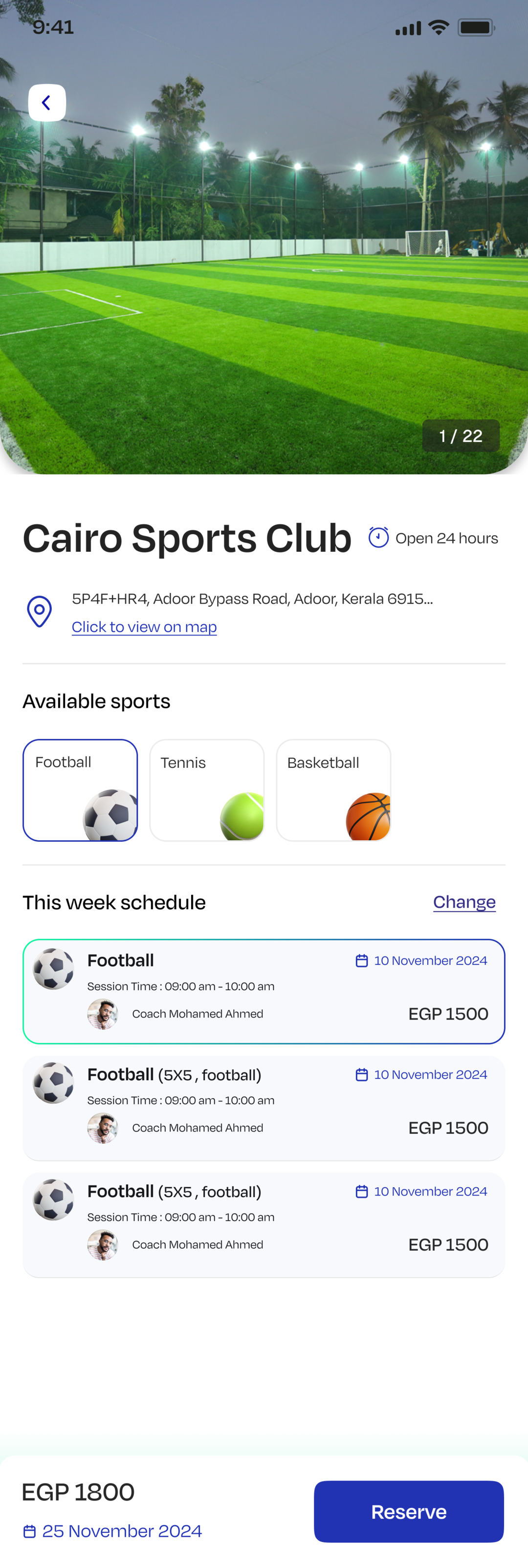
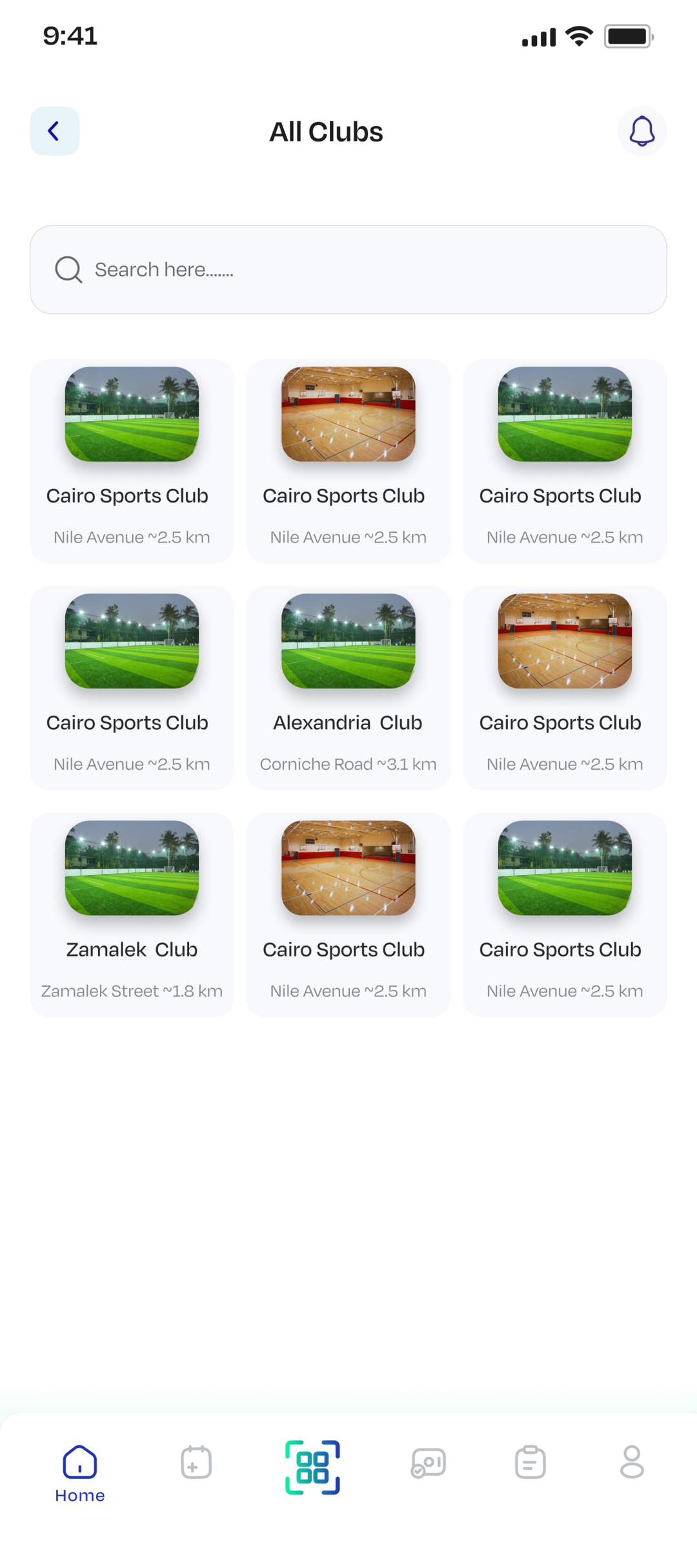
SportyMate is a two-sided sports booking marketplace for Android and iOS, built for players who want to find and book training and for trainers who want to sell it. Players browse sports categories, clubs and trainers, request a session on a trainer's published schedule, pay for it once the trainer confirms, and check in on the day with a QR scan. Trainers publish their own availability, work through incoming requests, connect their own payment account, and track what they've earned.
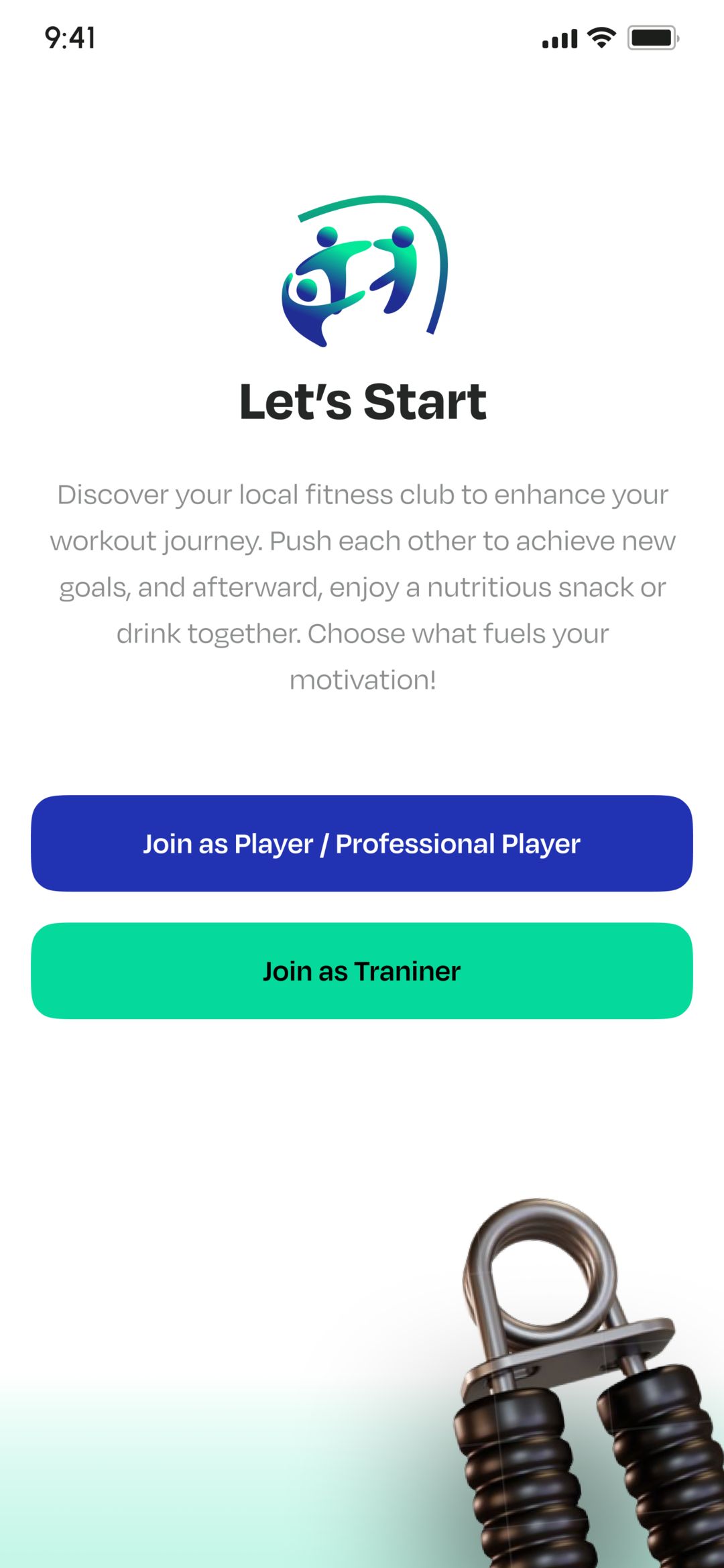
Everything is bilingual Arabic/English and RTL-native, and the same binary renders two genuinely different products: the role a user signs up under decides their tabs, their home screen, and which half of the API they talk to. I built and shipped the Flutter client end to end, including the networking layer, the offline-warm caching strategy, and the Android CI/CD pipeline.
What the app does
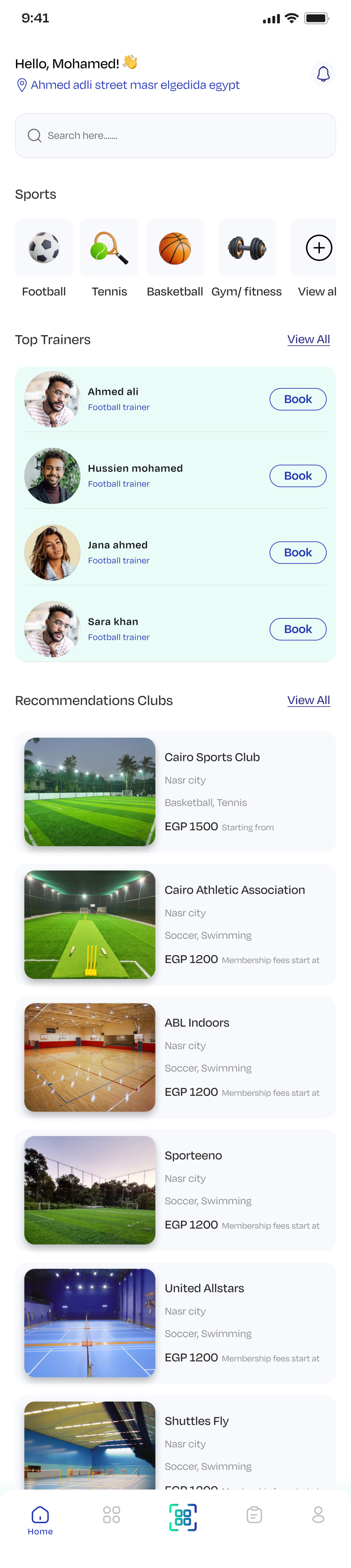
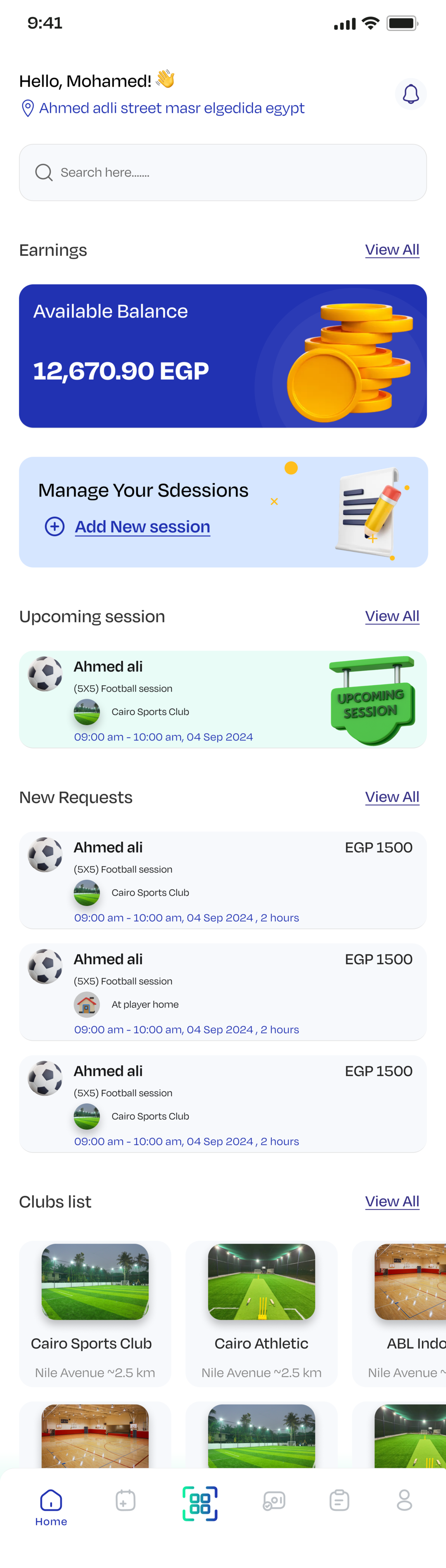
Player and trainer get different tabs, different home screens and different API endpoints from the same binary, resolved from the cached role before the first frame renders.
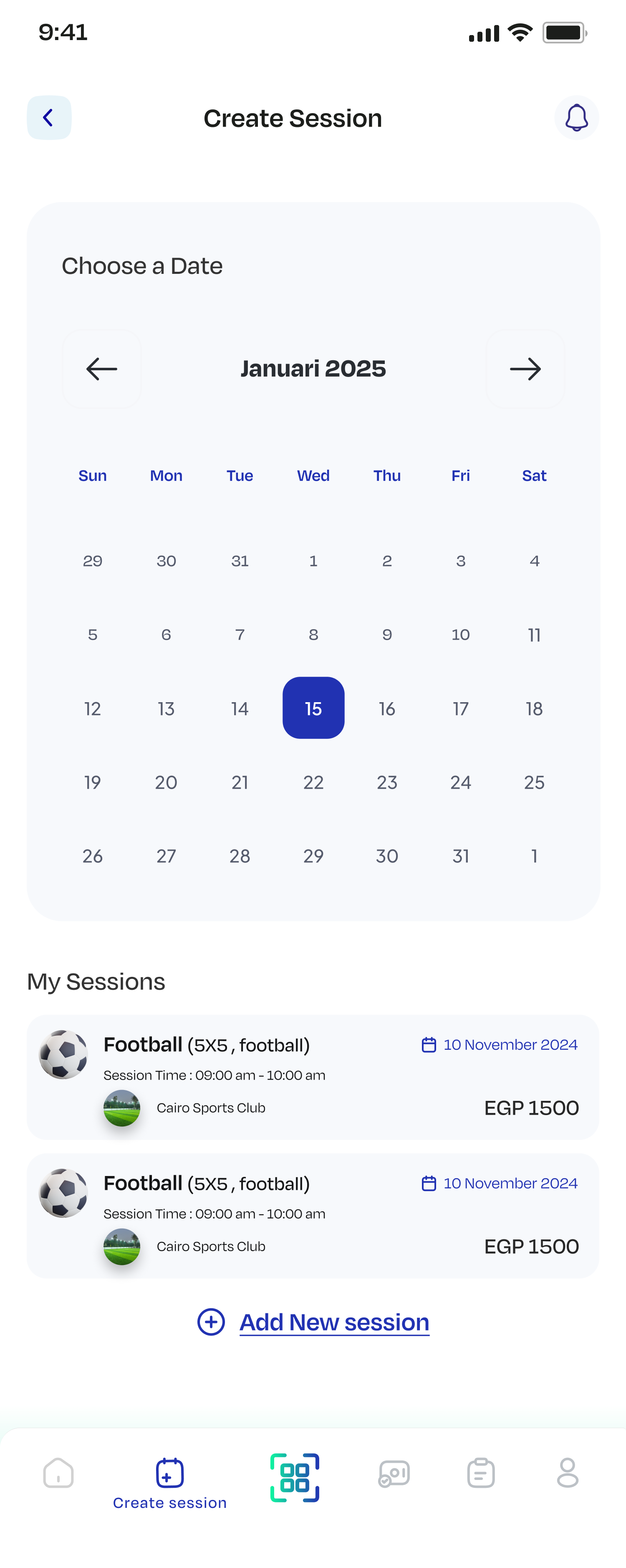
Trainers create their own sessions against a calendar with date, time range, sport and pricing, and manage their upcoming schedule in one place.
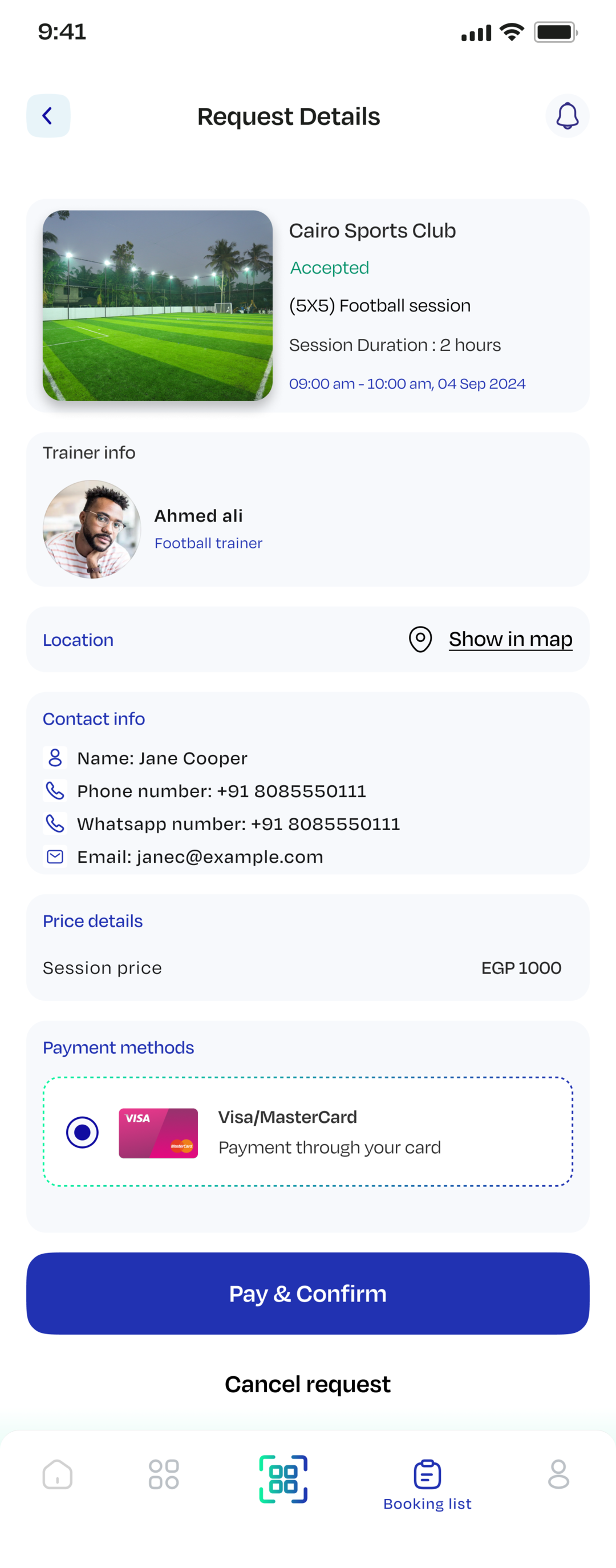
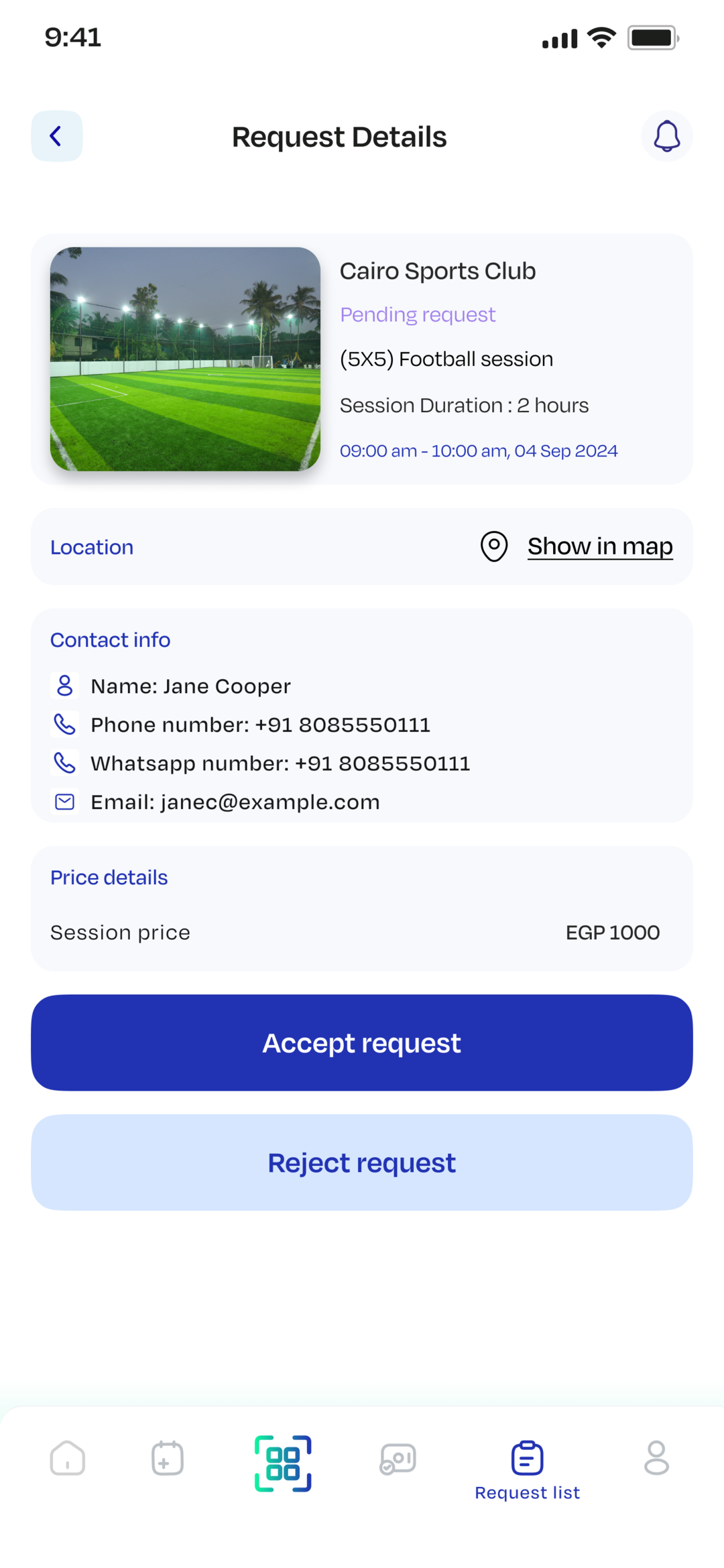
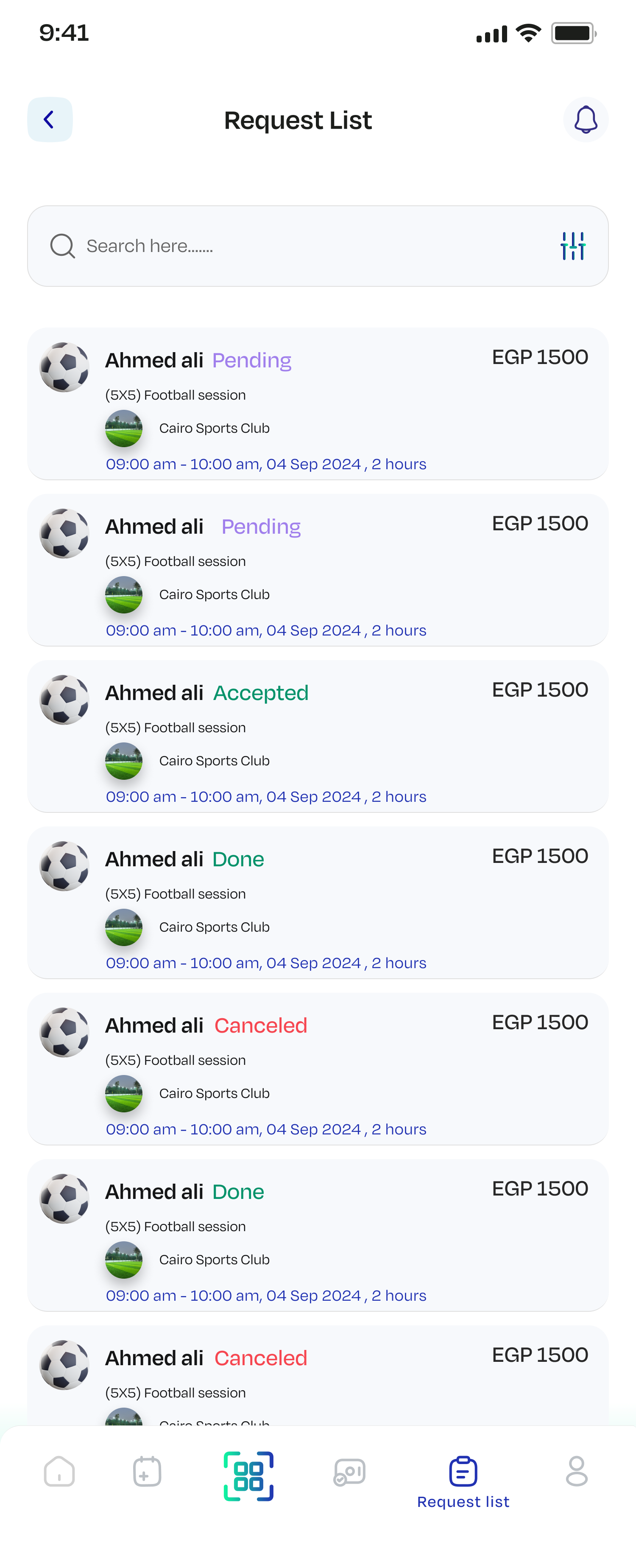
Players request a session with a trainer or a club; trainers work through pending requests and accept or reject each one, and the player's list reflects the outcome.
Paying for a confirmed booking returns a hosted Paymob checkout URL, and trainers link their own merchant credentials plus a bank account or InstaPay handle to get paid out.
Trainers scan the booking's QR code on the day to verify attendance, with haptic feedback and explicit success and failure dialogs.
Search across trainers, clubs, sports and booking history — debounced as you type, loaded page by page, and guarded against out-of-order responses.
Separate player and trainer sign-up (trainers upload certificates and an intro video at registration), OTP email verification with resend, password reset and change, silent token refresh on 401, logout and account deletion.
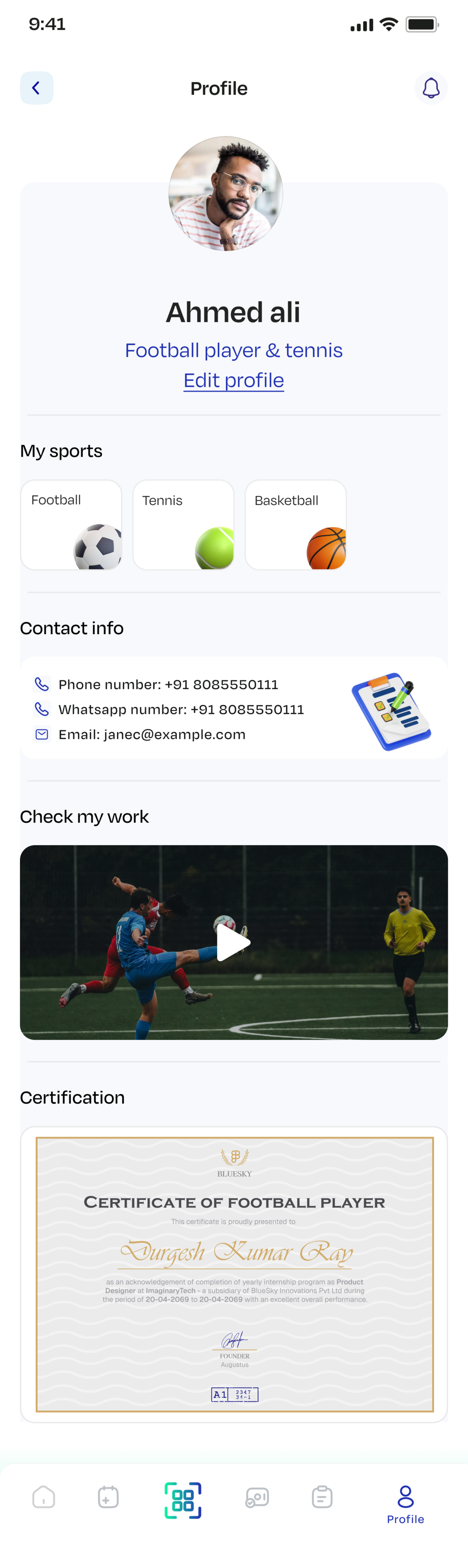
An intro work video that plays from a YouTube link, a direct video URL or a locally picked file, plus certificates rendered in an in-app PDF viewer.
Trainers track their earnings and completed sessions; players keep a full history of past, upcoming and cancelled bookings.
Around 500 localized strings, direction-aware padding and positioning throughout, RTL-aware price formatting, and server error messages translated into Arabic.
Home, bookings, club details and earnings rehydrate from the last successful response on launch, then revalidate silently in the background.
How it's built
SportyMate is organised feature-first — each of the eighteen features owns its own `data` (models + repository), `logic` (cubit + Freezed state) and `ui` folders, over a shared `core` layer holding networking, DI, routing, theming, localization and the widget library.
State management is Bloc's Cubit layer via flutter_bloc — no events anywhere in the codebase. Of the 36 cubits, 20 are plain Cubits for write and one-shot flows, and 16 are HydratedCubits deliberately reserved for the read-heavy screens (both home variants, clubs, trainers, booking lists, earnings, location) so those render from disk on cold start and revalidate in the background. get_it wires repositories and cubits, and the whole graph is torn down and rebuilt on logout. Networking is a Retrofit client over a single Dio instance with a layered interceptor stack: a VPN/HTML guard first, then auth token injection and 401 refresh-and-retry, then logging in debug. Every repository returns a Freezed `ApiResult` union, so a cubit handles success and failure exhaustively rather than catching exceptions.
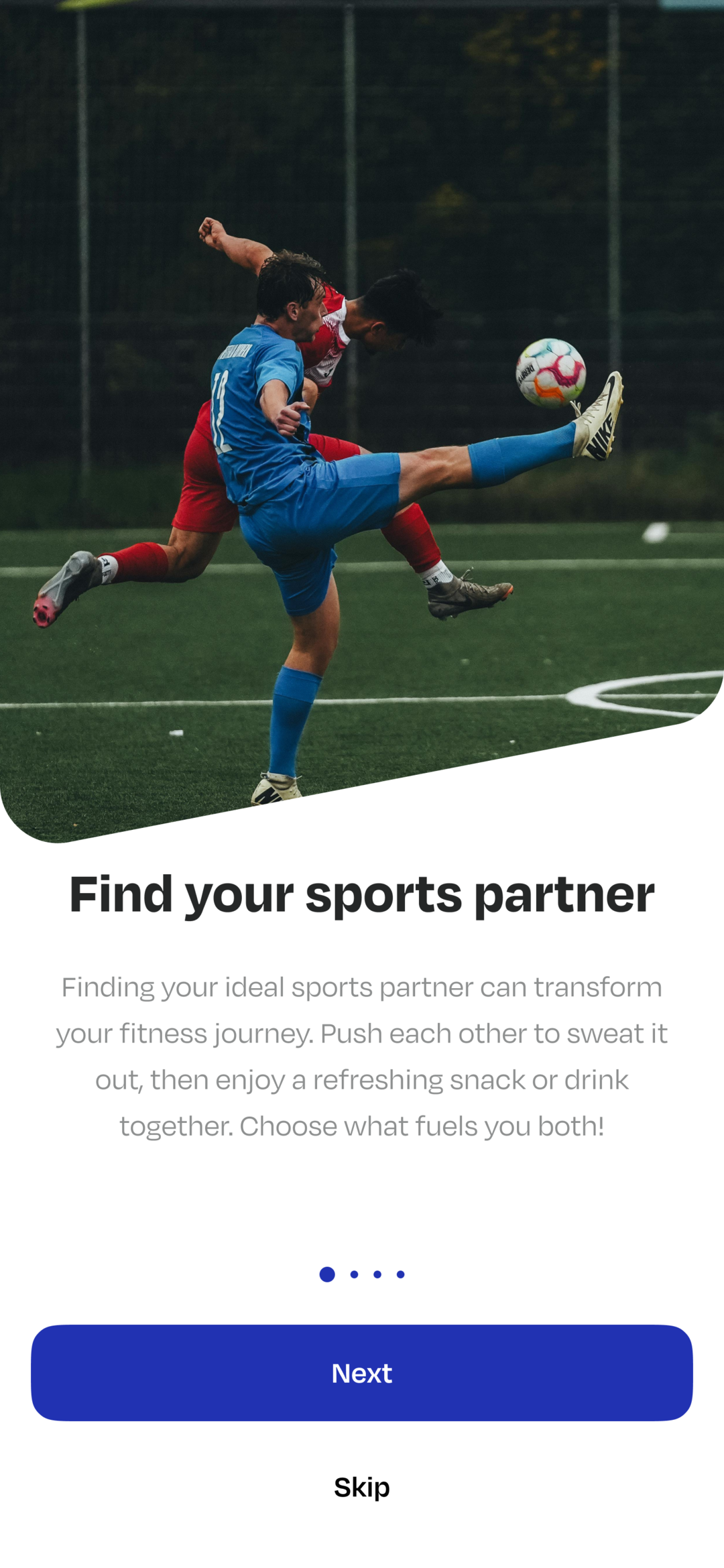
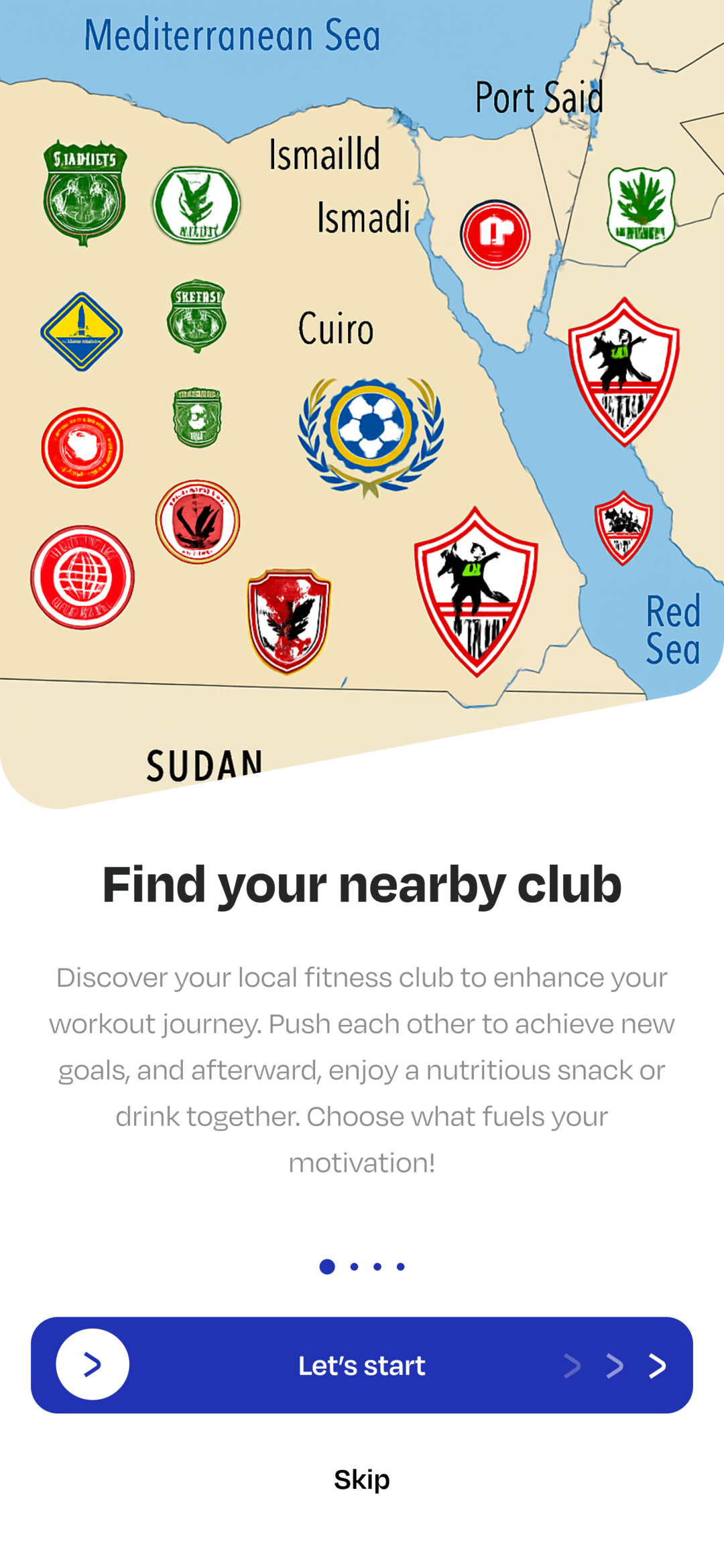
Startup is staged behind a splash bootstrap: Firebase and a performance trace come up first, then HydratedBloc storage, cache reconciliation, DI, and finally the cached token and role, which decide whether the app opens on onboarding, role selection or the main shell. Delivery is automated — every push to `development` builds a release APK on GitHub Actions and ships it to Firebase App Distribution through Fastlane, with a QR code and release notes posted to Telegram.
See it in action



Real engineering challenges
Users on a VPN or proxy were being served the host's protection challenge — an HTML page returned with a success status — instead of the expected JSON. Retrofit's deserializer threw a parse error on it, so every screen surfaced the same meaningless failure. I added a Dio guard interceptor that inspects the content type and the response prefix and raises a typed HtmlChallengeException, alongside a pre-flight proxy/VPN check that cancels the request with its own typed exception. Both map to dedicated error codes with Arabic and English messages, so the user is told what actually happened. The check caches its verdict for 15 minutes, times out in seconds, and fails open — a reachability service should never become a hard dependency for the app.
The backend was inconsistent about response shape: `message` vs `Message`, `success` vs `Success` vs `IsSuccess`, `checkout_url` vs `checkoutUrl` vs `redirectUrl`, `payment_id` vs `paymentId` vs `Id` — sometimes at the top level, sometimes nested under `data`, sometimes as a Laravel 422 validation map, occasionally as a bare string or a list. Rather than special-case it at every call site, I put a normalization pass in front of parsing that aliases each known variant into one canonical shape, with a dedicated path that lifts the first field error out of a 422 payload. A key-normalizing translator sits on top: it matches a server message exactly, case-insensitively, or as a slugified key, so English-only API errors reach Arabic users in Arabic.
The two platforms break stored sessions in opposite directions. The iOS Keychain survives an uninstall, so a fresh install read back an auth token whose session was long gone; Android auto-backup does the mirror image, restoring SharedPreferences while secure storage comes back empty. Either way the app booted straight into a signed-in state that immediately failed. The fix writes a marker into both stores and compares them on cold start — a mismatch in either direction means a reinstall or a restore, so both stores are cleared and re-seeded. It runs before dependency injection, so nothing downstream ever sees a half-restored session.
Search is debounced and paginated across trainers, clubs, sports and booking history, which opened two races: a slow response for an earlier query could land after a newer one and overwrite it, and a 'load more' page could append onto a query the user had already changed. Each search cubit now snapshots its query and page at call time and carries a monotonically increasing token, and any response whose token or query no longer matches the current one is dropped instead of emitted. The same guard covers background refresh, where a silent refresh also deep-compares the new payload against the cached one so an unchanged response doesn't re-emit and rebuild the list.
Sixteen of the app's cubits are HydratedCubits, so home, bookings, club details and earnings render from the last good payload on cold start instead of a spinner. The trade-off is that the same persistence outlives the session it belongs to: logging out — or signing back in under the other role — left the previous user's data both on disk and in long-lived singletons. Logout now tears down and rebuilds the entire get_it graph and clears both the preference and secure stores while deliberately preserving the chosen language, and account deletion restarts the widget tree outright via Phoenix, so no screen can rebuild from a stale cache.