
SystemPro
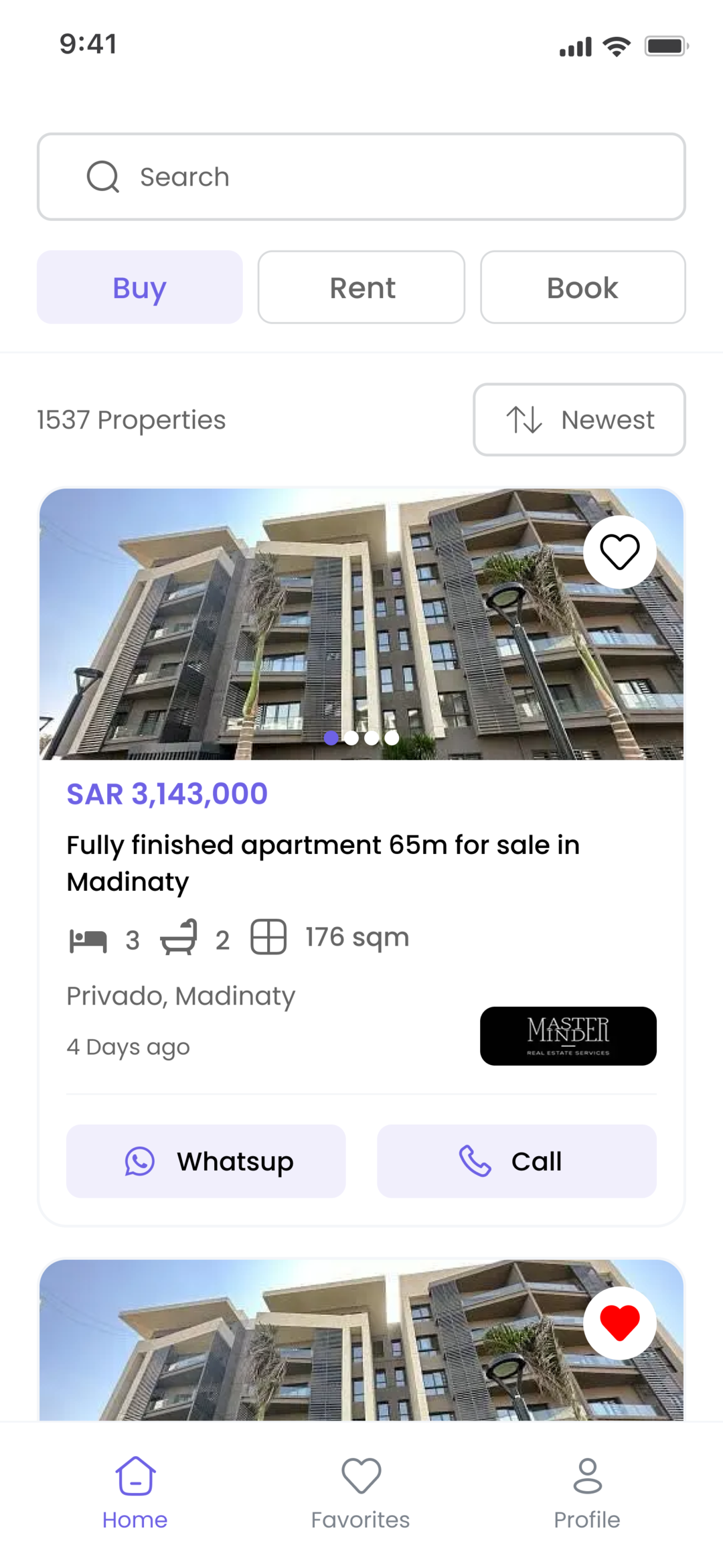
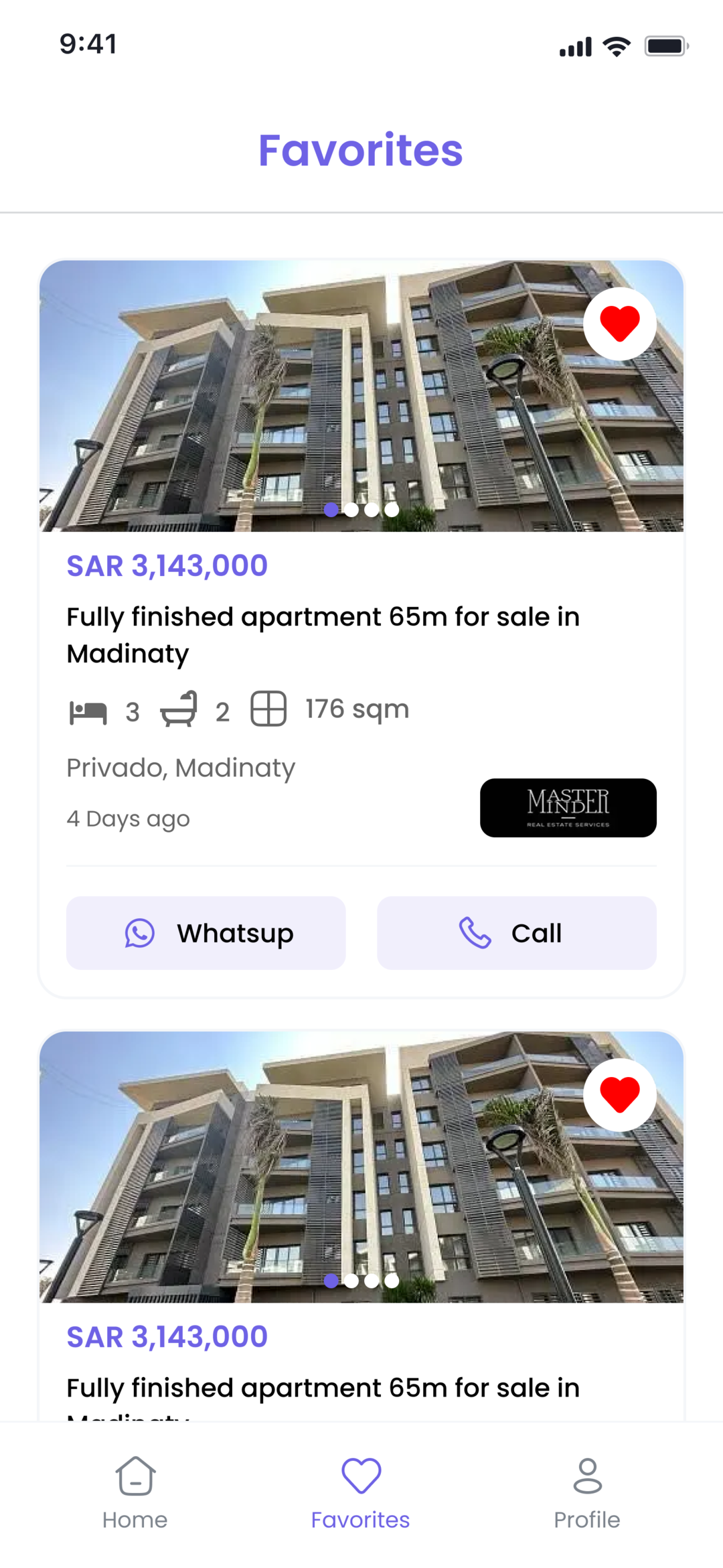
SystemPro is a bilingual (Arabic/English) real estate marketplace app for the Saudi market, built in Flutter. Property seekers browse listings for sale, rent, and short-term booking, filter them by category, price, size, bedrooms, bathrooms and amenities, search by district/city/region in either language, save favorites, and contact the listing agency directly by phone or WhatsApp. Listings are published by real estate companies, each with its own browsable profile page. The app ships with full RTL support, light/dark theming, offline-capable caching, and an automated Fastlane + GitHub Actions pipeline that distributes builds to testers via Firebase App Distribution.
What the app does
Sign-up with email OTP verification, login, forgot-password with OTP resend, and password change — with tokens held in encrypted secure storage.
Cursor-based infinite scroll across buy, rent and booking listing types, with server-side sorting by newest, oldest, and price.
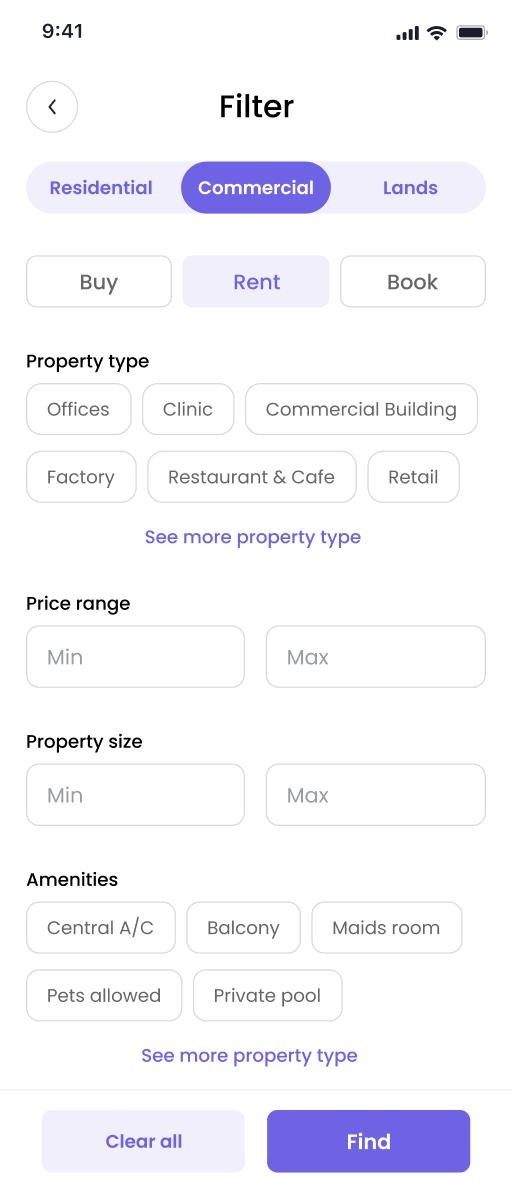
Filter by category and property type (including lands), price range, area, floors, bedrooms, bathrooms, and amenities from a dedicated filter screen.
Type-ahead search over a nested region → city → district dataset that matches Arabic or English input against every field, with debouncing.
Previously searched locations are persisted locally and offered as suggestions the next time the search screen opens.
Saving or unsaving a listing updates the marketplace list, the details screen and the favorites tab together, so no screen shows a stale heart icon.
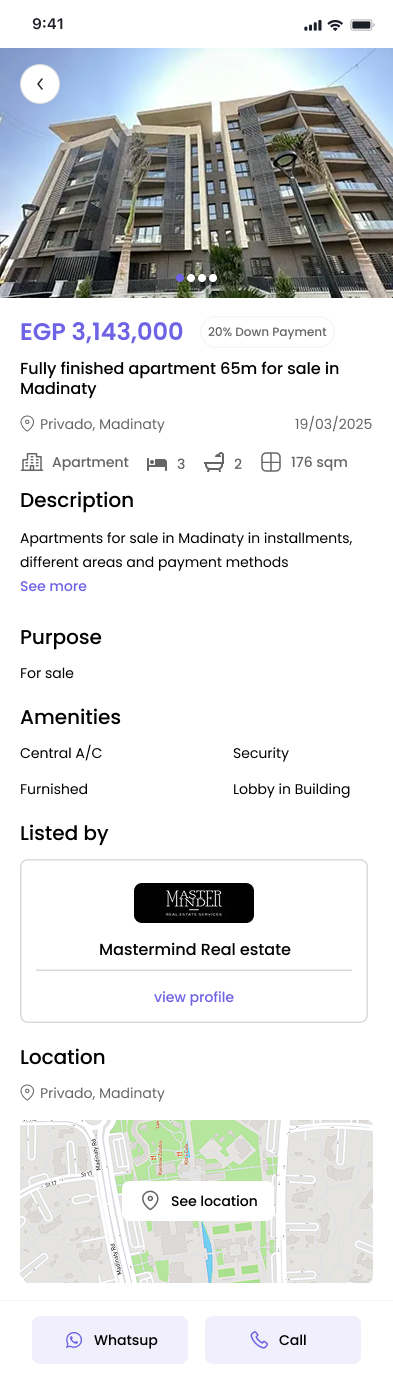
Swipeable image gallery with pinch-to-zoom full-screen viewer, plus amenities, floor count, bed/bath/area breakdown, location, and lister details.
Each listing links to the publishing company's profile, showing its details alongside its own filtered set of active listings.
One-tap phone call and WhatsApp handoff, with runtime permission requests and a fallback that sends the user to app settings when denied.
Share any listing as a Branch short link that opens the app directly on that property, with a web fallback for users who don't have it installed.
Runtime light/dark theme switching and Arabic/English toggling, both persisted locally and applied with correct RTL layout direction.
GitHub Actions runs code generation, builds via Fastlane, uploads Sentry symbols, ships to Firebase App Distribution, and posts a Telegram notice.
How it's built
The app uses a feature-first modular architecture. Every feature — Authentication, Home, Search, EditProfile, CompanyProfile — is a self-contained slice with three layers: data (Freezed/json_serializable models plus a repository), logic (a Cubit and its state union), and ui (a view plus its widget folder). Shared concerns live in a core layer: dependency injection with get_it, a networking layer built on Dio and a Retrofit-generated API client, caching split between SharedPreferences and flutter_secure_storage, routing, theming, and localization.
State management is Bloc's Cubit throughout, chosen per-feature rather than uniformly: most cubits are plain Cubits, while the marketplace cubit extends HydratedCubit so listings survive a cold start. Repositories never throw — every call returns a Freezed ApiResult union of success or failure, so cubits pattern-match on the result and emit a typed state instead of handling exceptions. Errors are normalized once in a central ErrorHandler that maps network exception types and HTTP status codes to localized messages. Crash reporting runs through Sentry, with symbol upload wired into the CI pipeline.
See it in action
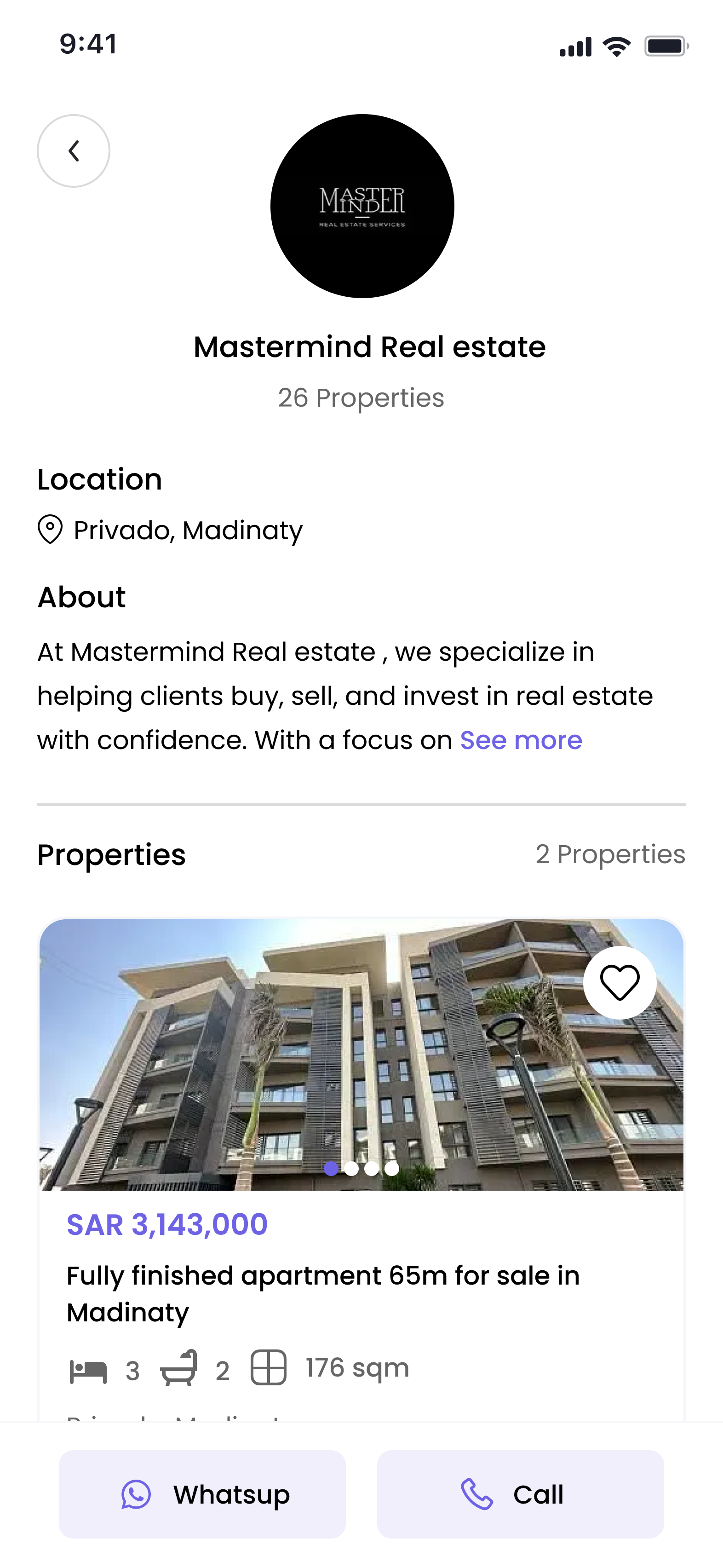
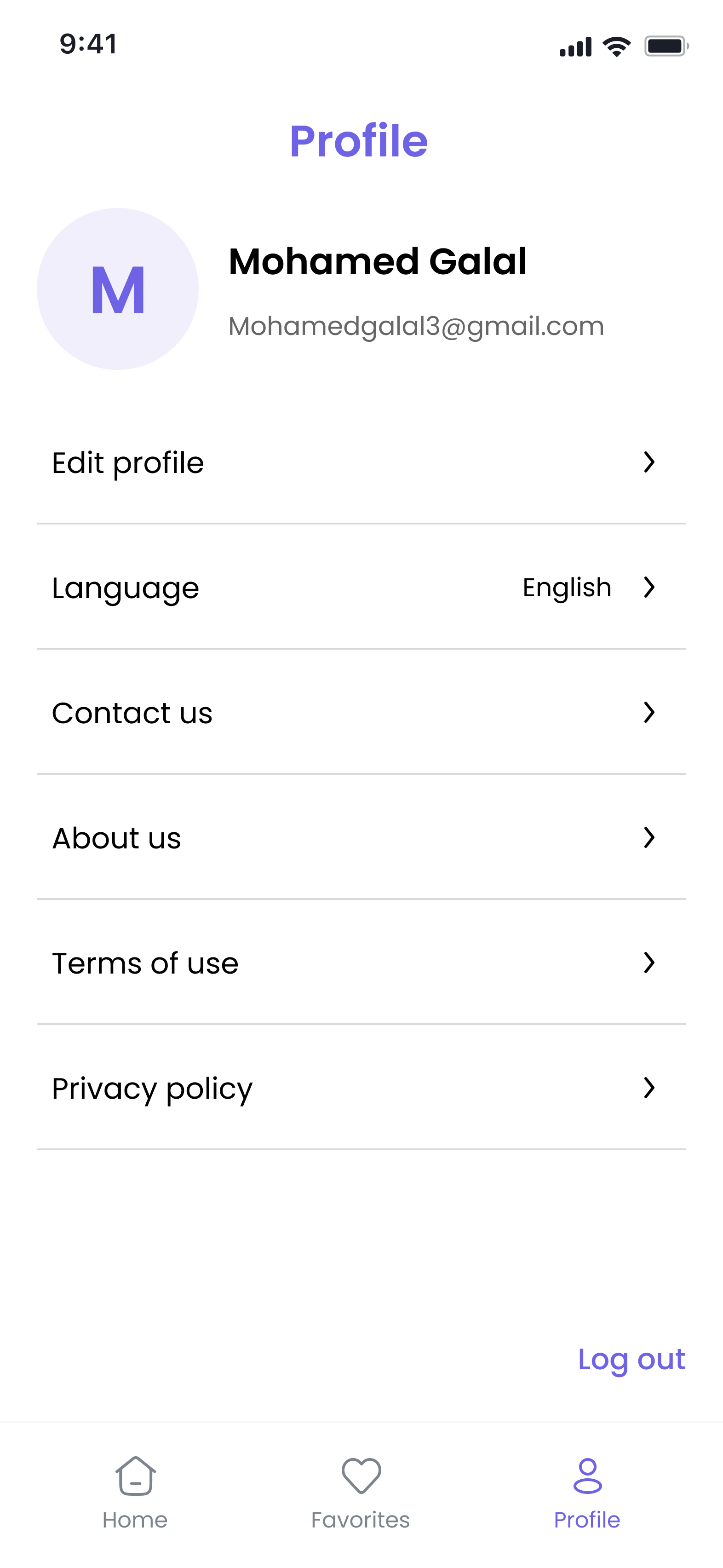
Real engineering challenges
Listings load through cursor-based pagination, so the client only ever holds the pages fetched so far. The original implementation sorted that in-memory list, which meant 'lowest price' only reordered what had already been scrolled past rather than the full result set. Sorting was moved to the server by mapping the sort option to proper query parameters, and the client-side sort was removed entirely. That exposed a second issue: the listings cache was keyed by filter alone, so switching sort order returned the previous ordering from cache. Cache keys became a composite of filter and sort type, and changing either resets the cursor and refetches from the first page.
To get listings on screen instantly at launch, the marketplace cubit persists both its visible listings and its per-filter cache to disk. Applying the same approach to theme and language turned out to be the wrong fit: those need to be resolved before the widget tree is built, not restored asynchronously afterwards, so they were reverted to plain state read from local storage at startup instead. The persisted listing cache also introduced a freshness trade-off — entering a tab could serve indefinitely stale results — so tab initialization now forces a network refresh while the cached data paints the first frame, and the page size was reduced to keep each request light.
The location dataset is a nested region → city → district tree where every node has both Arabic and English names, but the backend expects a single English 'District, City' string. A user typing in either language has to resolve to that canonical form. Search matches the query against all six name fields across both languages, and a resolver maps the selection back to its English pair before the request is built. Free text that matches nothing is deliberately rejected rather than forwarded to the API, since an unrecognized location silently returned zero results. The dataset is parsed off the UI thread so opening the search screen doesn't drop frames.
Network and timeout errors are produced in the networking layer, which has no access to the localization system — so every connection failure surfaced in English regardless of the app language. Rather than pushing UI context into the data layer, the resolved language code is threaded through the call chain: cubits read it once and pass it down to the repository, and a central error handler uses it to select the right message when mapping exception types and status codes into a typed, localized error.
Sharing a property had to open the app directly on that listing, including when the app isn't running and no screen exists yet. Deep linking was migrated to the Branch SDK, attaching the listing ID as link metadata with a web URL fallback for users without the app installed. The session listener is initialized before the app itself launches and navigates through a global navigator key, so a link that arrives during a cold launch is still routed once the app is ready.
Release builds are obfuscated, so crash reports were unusable without the correct symbol mapping — and the upload step in the release pipeline kept failing because it pointed at the wrong generated file. The path was corrected to the one Gradle actually produces, with an explicit check added that fails the build with a clear message if it's missing, so a broken symbol upload surfaces immediately in CI instead of quietly shipping a build whose crash reports can't be read.